
This topic will cover the process of installing, configuring, and fully launching your integration.
Secret Sales marketplace channel integration for Linnworks that supports order download, order dispatching, refund and cancellation of orders, and inventory stock/price synchronization.
General
Channel integration configuration is split into three different parts:
Installation;
Authorization;
Configuration after authorization.
Installation
Navigate to the marketplace and search for the Secret Sales application and install it;
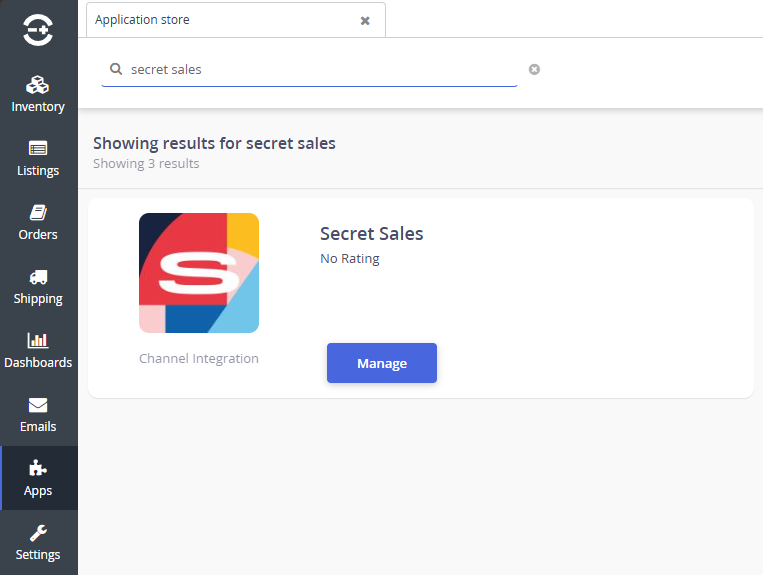
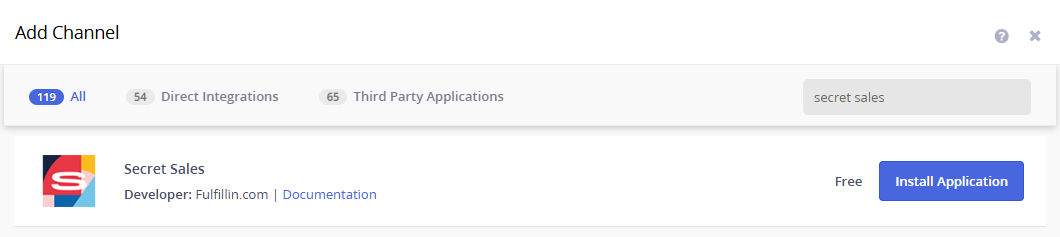
Navigate to the Channel Integration screen and click Add New. In the available channel list, please find Secret Sales and click the Install Application button.
Continue the process by configuring your initial integration settings.
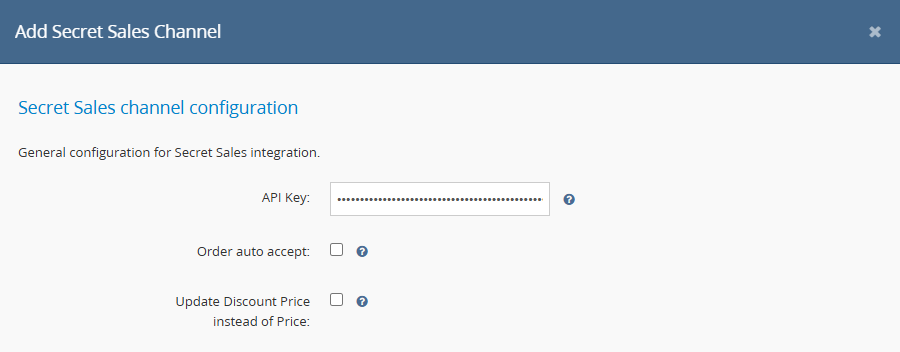
API key can be obtained from Secret Sales' Loom system -> API Keys. If you require help creating the API key
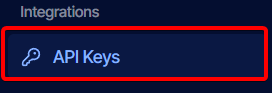
Click Create API key
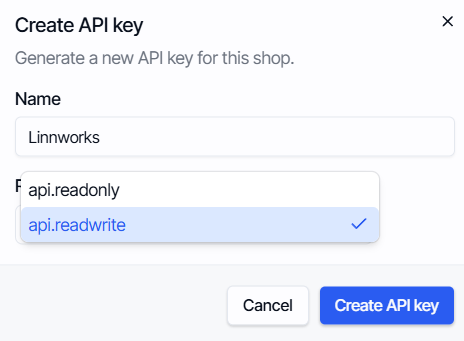
In the newly opened modal, enter any Name you would like to categorize your API key by, and in Role, select api.readwrite and click Create API key.
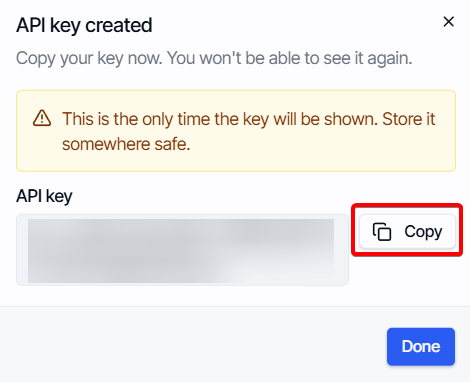
Copy the provided API key and make sure to save it, as it will be shown only once!
Order auto accept setting enables all your orders to be automatically accepted by Linnworks.
Update Discount Price instead of Price setting will set all your outgoing Linnworks prices to Secret Sales as an indefinite discount price.
After that, click Next.
Congratulations! Your integration is now installed, and you can finish the remaining Linnworks integration settings by adjusting everything to your preferences.